NoShorts, Shorts Blocker
Removes YouTube Shorts completely while keeping regular videos working.
I made this because I wanted to keep using YouTube on my iPhone without constantly getting distracted by Shorts. Been using it myself for a while now and honestly, it worked better than I expected.
Hides Shorts from feeds and search results, and blocks Shorts links too.
Free, open source, no accounts or tracking.
For anyone who wants to try it, here's how to install it on iPhone:
- Install Userscripts from the App Store (free).
- Open Userscripts and select a folder in the Files app.
- Go to NoShorts and download the scripts you want (Shorts blocker, watch-time limiter, or both).
- Save the
.user.js files into that folder.
- Go to Settings → Apps → Safari → Extensions → Userscripts, enable it and allow access to YouTube.
- Open YouTube in Safari and you're good to go!
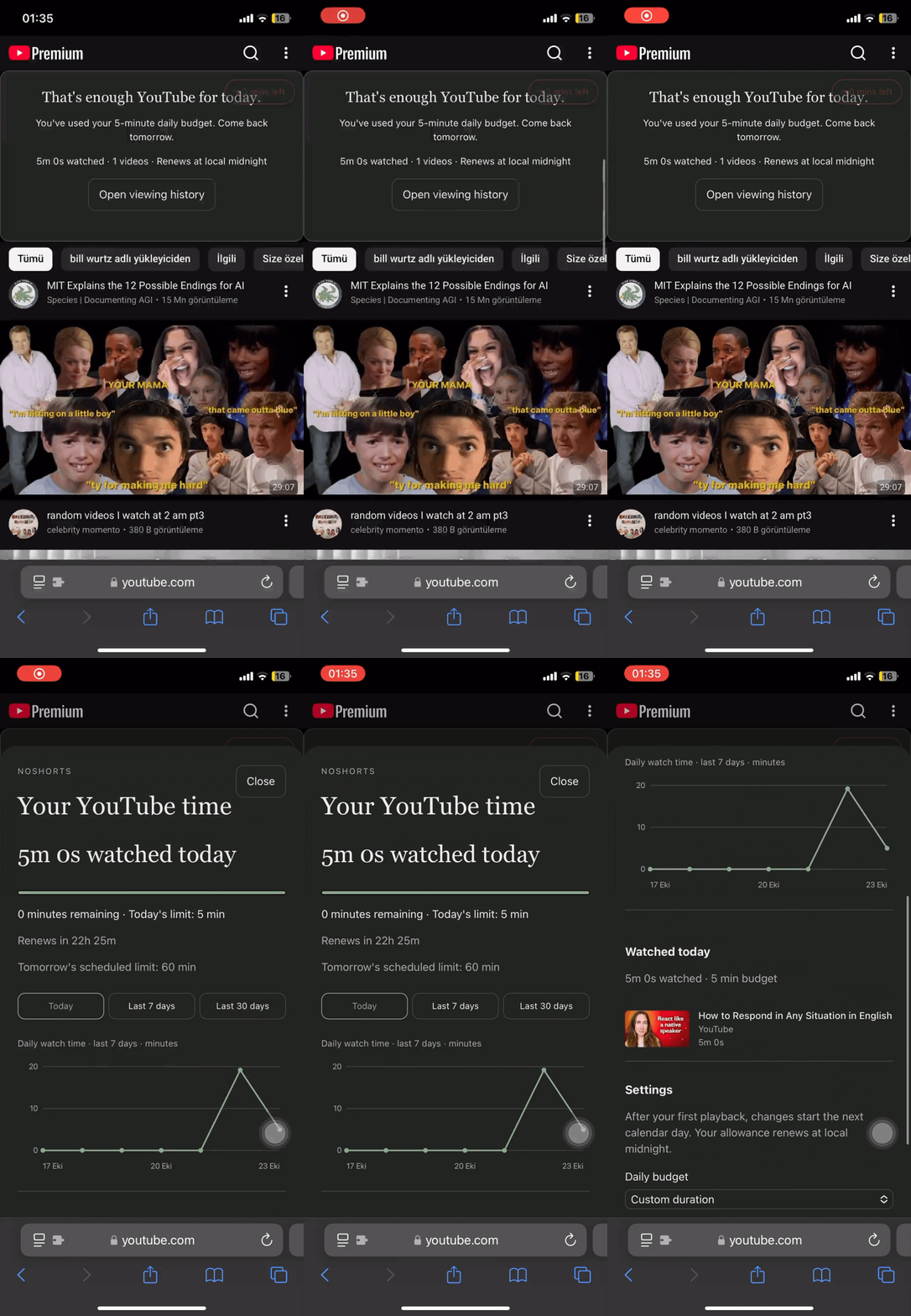
The time limiter will ask you to set your daily limit the first time you use it.
For desktop, you can use Tampermonkey or another compatible userscript manager.
Both scripts work independently btw, so you don't have to install both.
GitHub: https://github.com/mithatakbulut/noshorts