Youtube Cobalt Quick Download
One-click download button injected directly into the YouTube player toolbar — opens cobalt.meowing.de with the video URL pre-filled. No copy-pasting, no hassle.
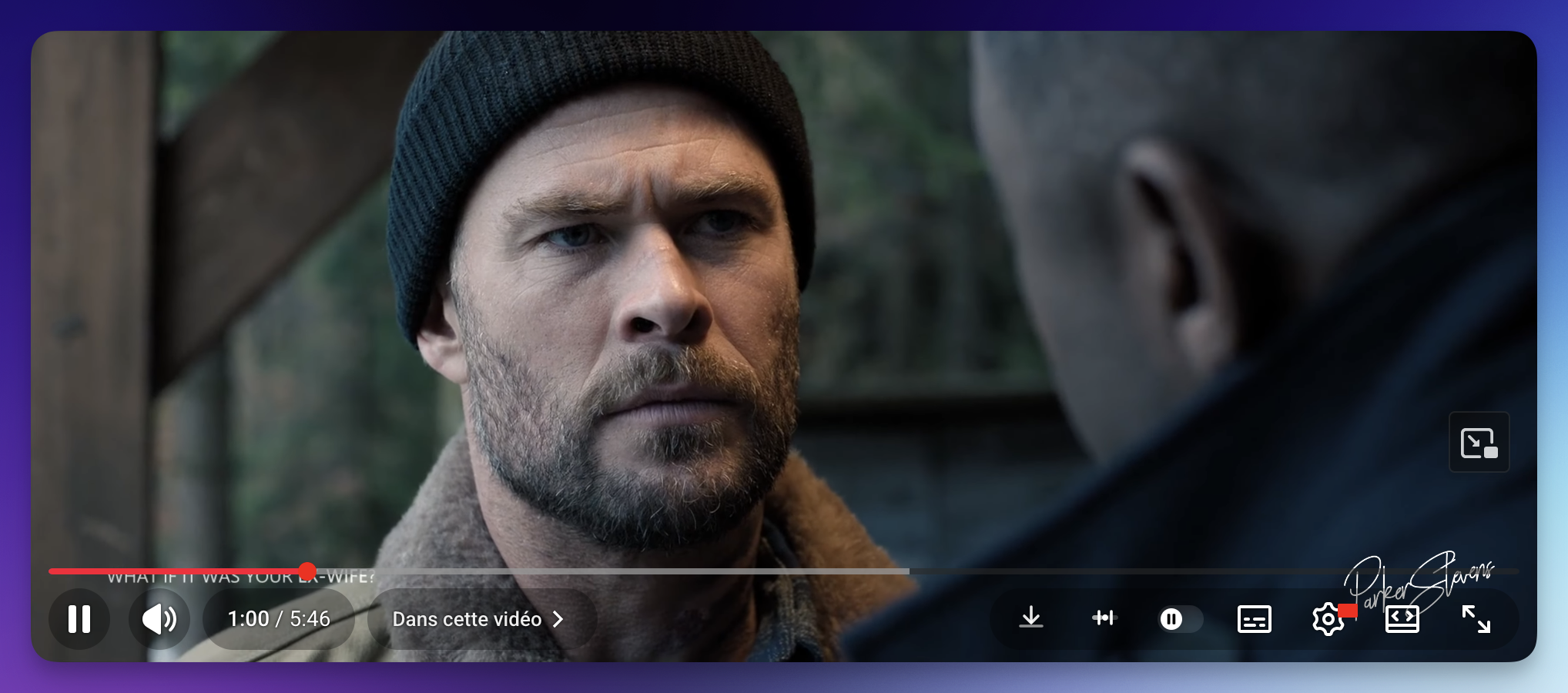
How it works
1. Click the ↓ button in the YouTube player toolbar
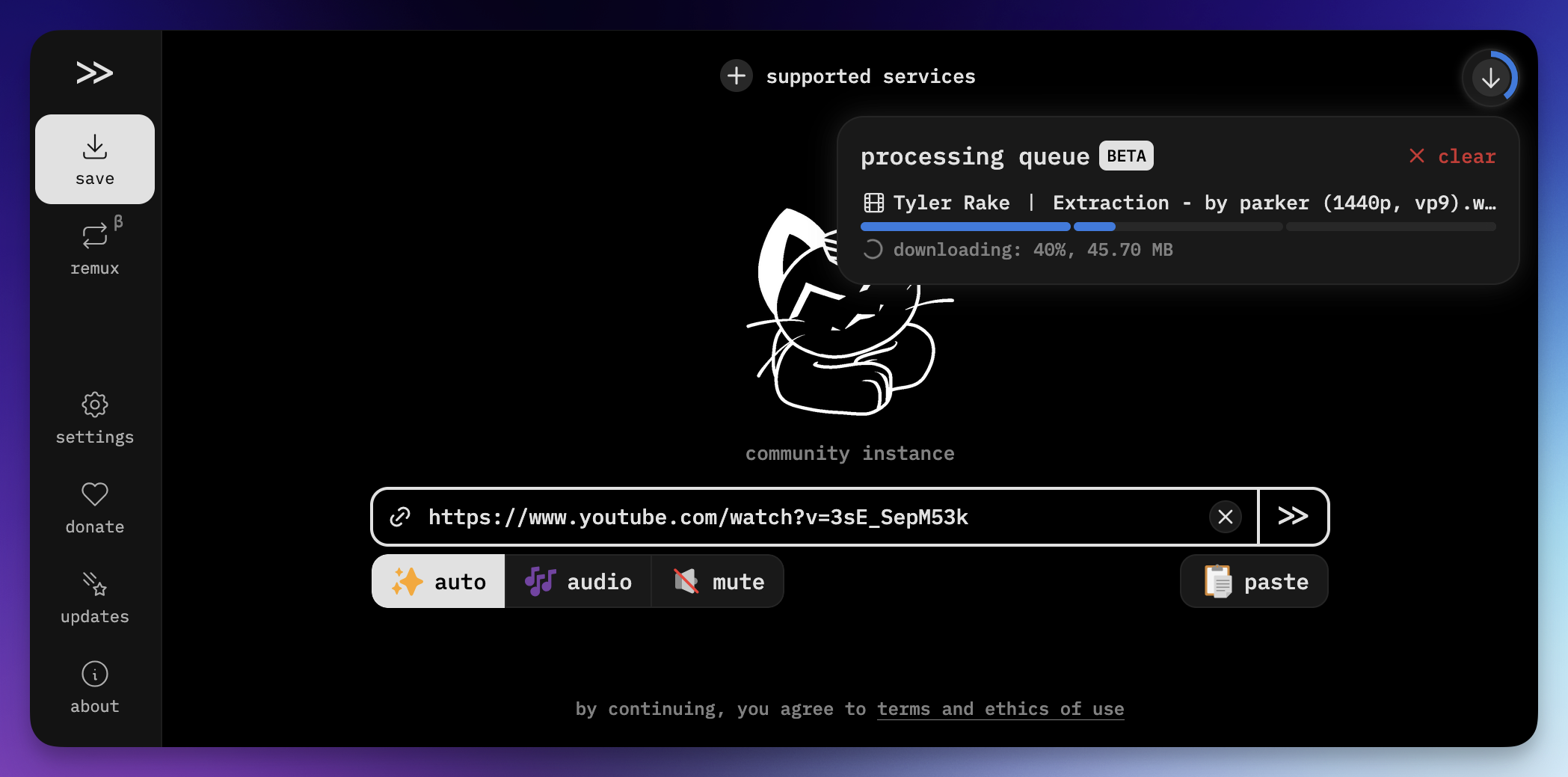
2. cobalt.meowing.de opens in a new tab with the URL ready
3. Pick your settings → hit download
|
|
 |
 |
| Processing in progress |
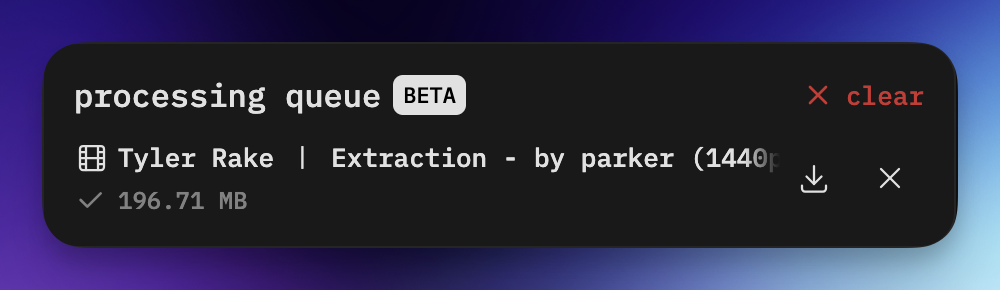
Download complete — 196 MB |
Installation
1. Install a userscript manager
| Extension |
Browser |
| ScriptCat ⭐ recommended |
Chrome, Firefox, Edge, Safari |
| Tampermonkey |
Chrome, Firefox, Edge, Safari |
2. Install the script
Download cobalt-quick-download.user.js and drag & drop it into your userscript manager dashboard — or click the file directly if your manager supports auto-install.
3. Done
Navigate to any YouTube video. The download button appears in the player toolbar automatically.
Recommended Settings
Configure cobalt.meowing.de once and every download will follow your preferences.
🎬 Video
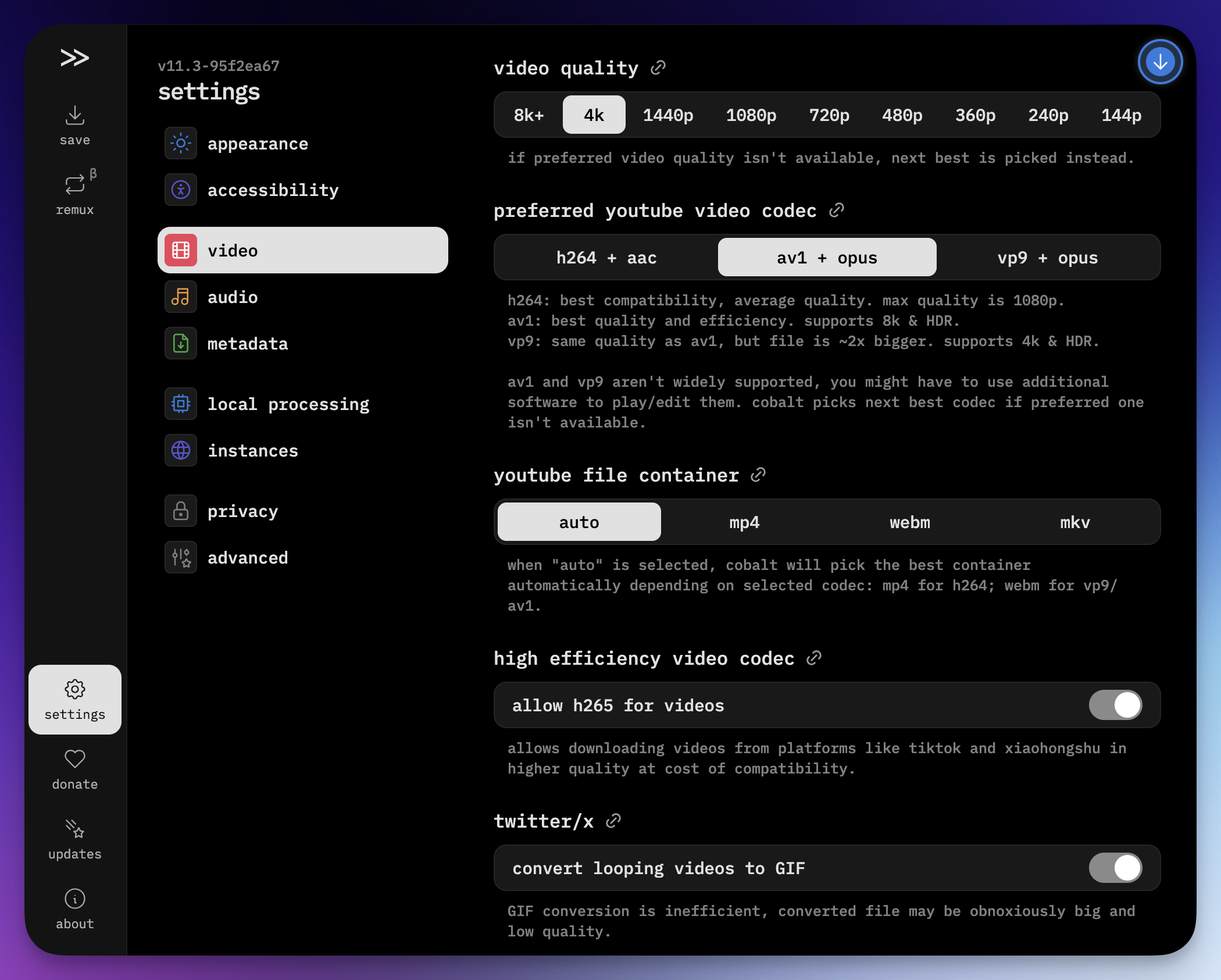
| Setting |
Recommended |
Notes |
| Quality |
4k |
Falls back to next best if unavailable |
| Codec |
av1 + opus |
Best quality & efficiency, supports 8K + HDR |
| Container |
auto |
mp4 for h264 · webm for av1/vp9 |
🎵 Audio
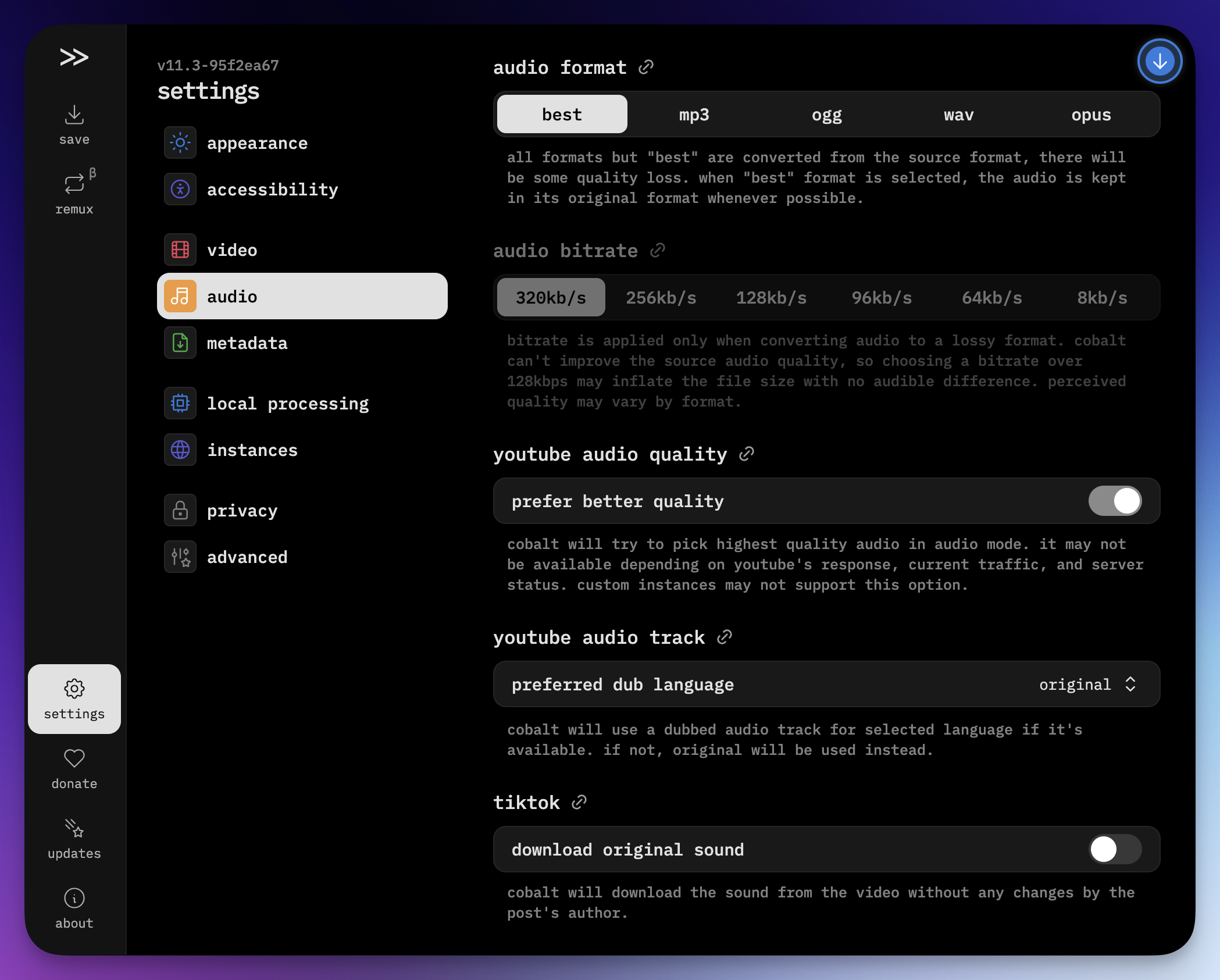
| Setting |
Recommended |
Notes |
| Format |
best |
Keeps original format, no re-encoding |
| Bitrate |
128kb/s |
Going higher won't improve quality |
| YouTube quality |
enabled |
Picks highest available audio track |
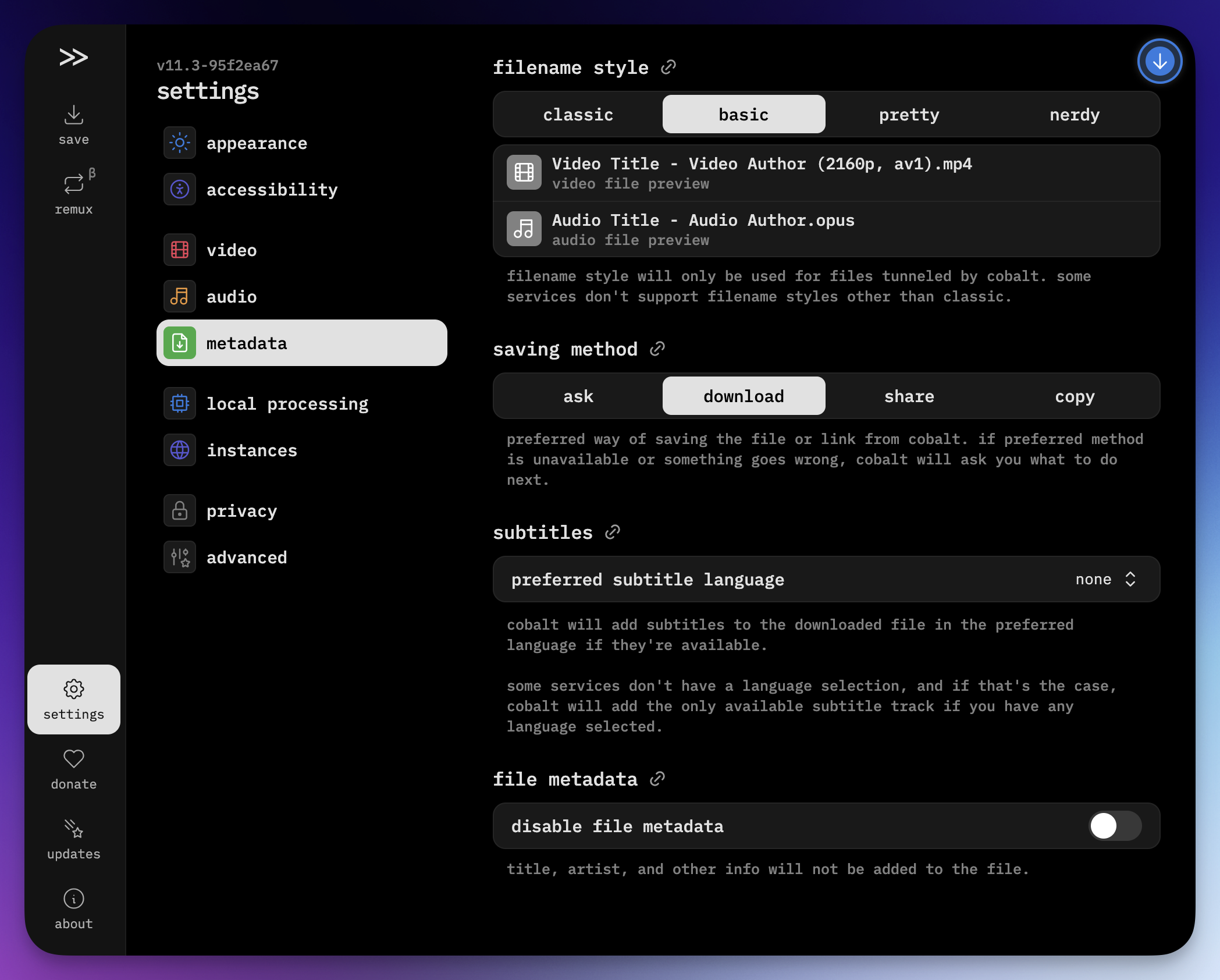
| Setting |
Recommended |
Notes |
| Filename style |
basic |
Title - Author (quality, codec).ext |
| Saving method |
download |
Saves directly without prompting |
| Subtitles |
your language |
Added automatically if available |
Notes
- The script only triggers the cobalt frontend — no API calls are made directly
- No auth issues, no CORS, no rate limits
- The URL is passed via
#hash, which cobalt reads natively
- Works on
youtube.com/watch* and youtu.be/*

