DownLoad PDF book from YUNZHAN365
For Study and research use only
GitHub | GreasyFork | ScriptCat | OpenUserJS | Source Code
Features
The download button will appear in the upper right corner of the book page.
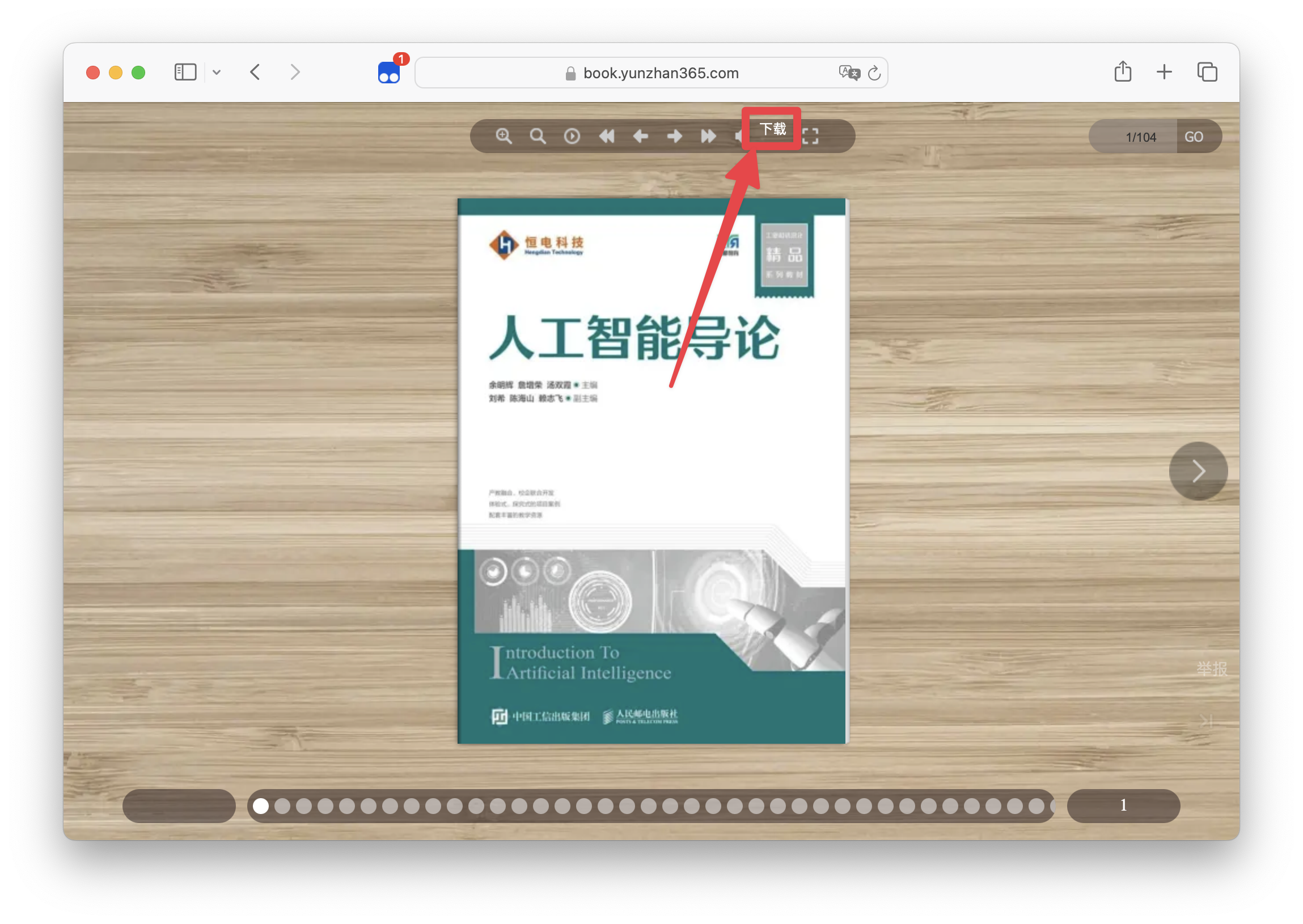 After clicking the download button, a dialog box will pop up to confirm the book information to be downloaded.
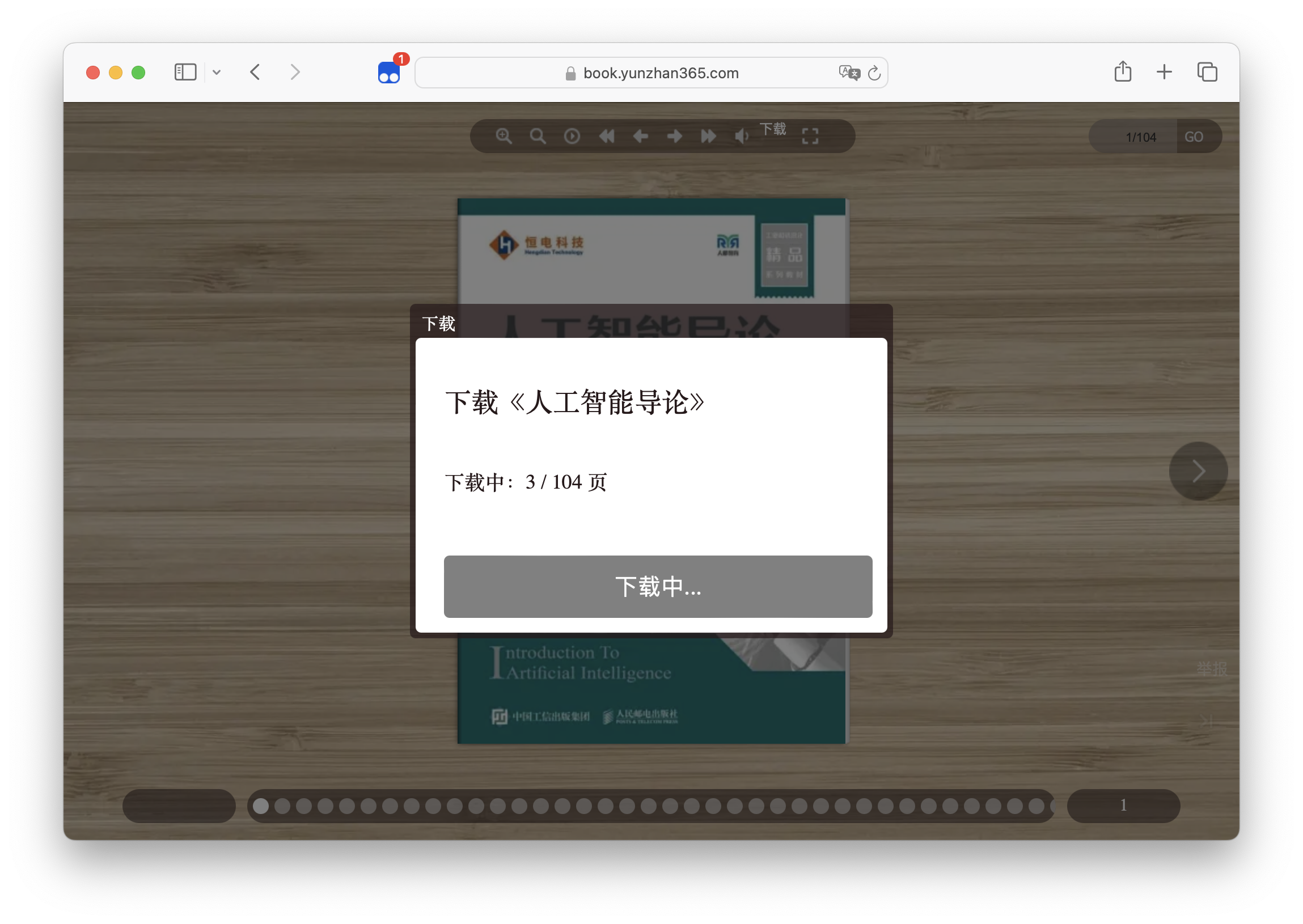 Waiting for the download to complete. When the download is complete, the save button will appear in the lower center of the page.
Install UserScript Manager
Install UserScript
Usage
- Open the book page
- Click the
Download button in the upper right corner
- Confirm the book information to be downloaded
- Click the
Download button in the lower center
- Wait for the download to complete
- Enjoy it
Support
Thanks
License
MIT

